



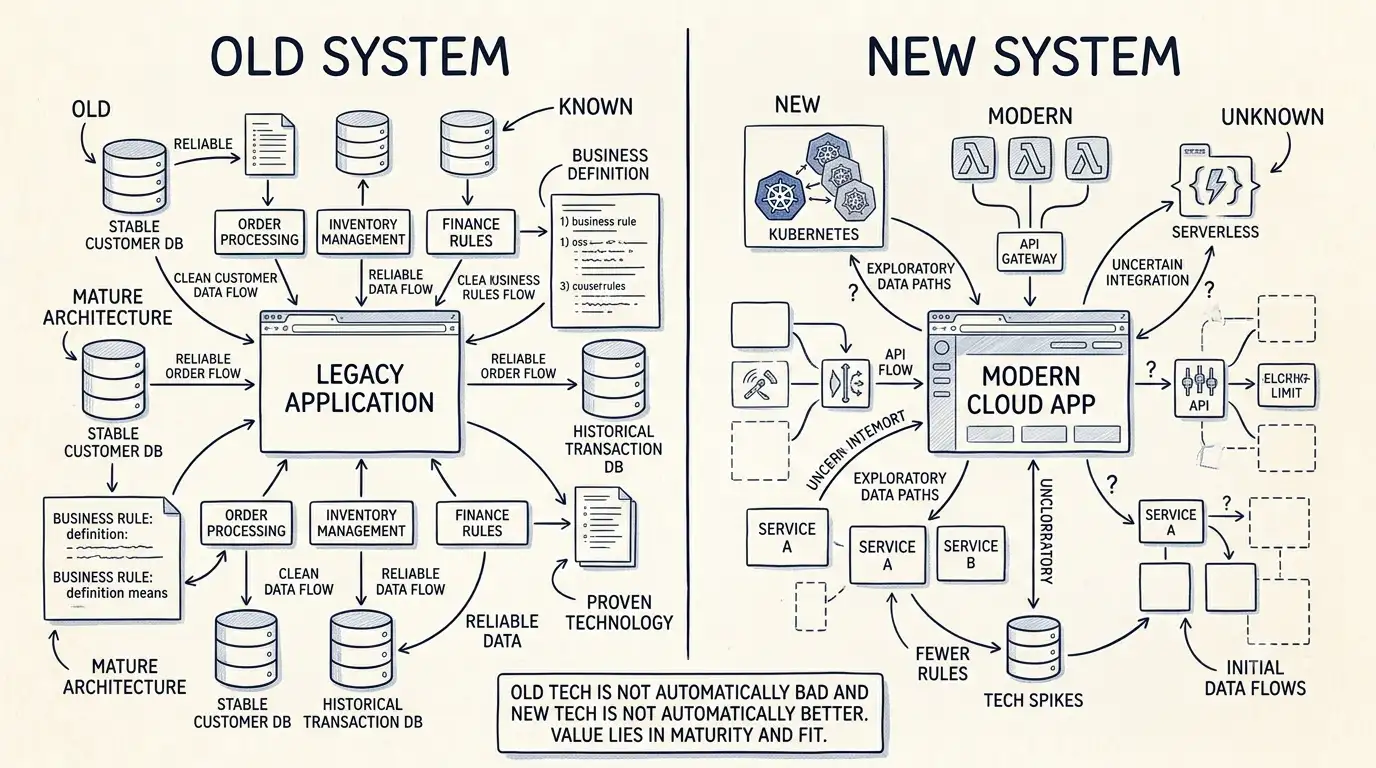

“Legacy” is one of those words that can make a software discussion unnecessarily dramatic.
People hear legacy software and immediately think:
Old. Dangerous. Impossible to maintain. Replace it.
But age alone doesn't make software bad.
Some old systems are still doing exactly what the business needs them to do.
What Makes Software Legacy?
There isn't one universal definition.
A system might be considered legacy because:
The technology is old.
The original developers are gone.
Documentation is limited.
The platform is no longer actively supported.
The system is difficult to change.
It depends on old infrastructure.
It has accumulated years of custom business logic.
But these characteristics don't automatically mean the system needs to be replaced.
The important question is:
What is the system costing the business today?
Old Can Be Stable
A system that has been running reliably for fifteen years may have something going for it.
People understand it.
Processes are established.
Its edge cases have already been discovered.
The business knows what it does.
Compare that with a brand-new replacement that looks modern but hasn't yet been tested by years of real-world use.
Newer isn't automatically better.
The Real Problem Is Often Change
Legacy software becomes a serious problem when making changes becomes increasingly difficult.
A small request might take weeks.
Developers may be afraid to touch certain areas.
Testing may be mostly manual.
Deployments may be risky.
Nobody may know what depends on a particular piece of code.
That's when technical age turns into business risk.
The issue isn't that the software is old.
The issue is that the cost of keeping the business moving is getting higher.
Don't Throw Away Valuable Business Knowledge
One of the biggest risks in replacing legacy software is forgetting what the old system actually knows.
Over the years, software accumulates rules.
Some are obvious.
Some aren't.
Why does this field behave differently for certain customers?
Why does this calculation have an exception?
Why can't this status move directly from A to C?
Often, these rules exist because someone encountered a real business problem years ago.
A rewrite that copies only the obvious functionality can accidentally remove important knowledge.
That's why understanding the existing system is critical before replacing it.
Modernization Can Be Incremental
You don't always have to choose between:
“Keep the old system forever”
and
“Replace everything.”
There is a middle ground.
You can isolate risky components.
Replace specific integrations.
Improve deployment.
Introduce automated testing around important functionality.
Move selected services to newer infrastructure.
Replace individual modules over time.
This can reduce risk while allowing the business to continue operating.
The Right Question
Instead of asking:
“Is our software legacy?”
Ask:
“What is our existing software preventing us from doing?”
If the answer is “nothing important,” you may not have a problem.
If the answer is “we can't change the business without risking the system,” then you probably do.
That's a much more useful conversation.